By Alex Carter, Editor at GetVerifyCode
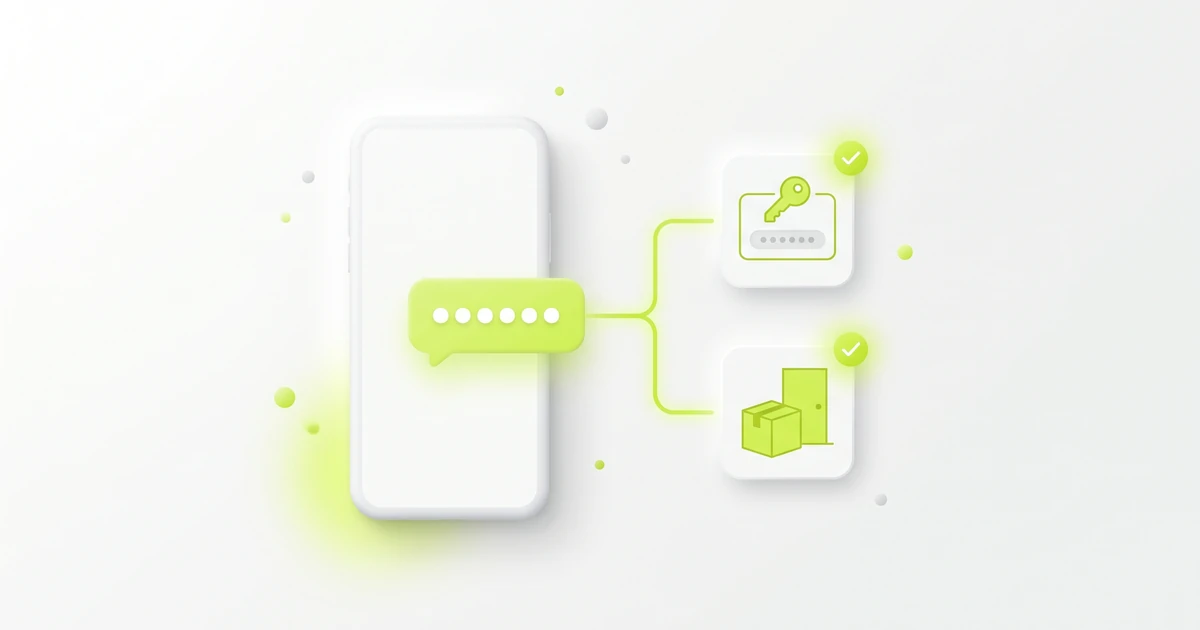
What is an Instagram code text? It is a text message with a one-time six-digit code that Instagram sends to the phone number on your account, to confirm that number or to finish a login from a device it doesn't recognize. Type it only into the Instagram app or website, and never share it.
Key facts
- Instagram's SMS two-factor authentication page says that with text message codes on, you get a text with a special 6-digit security code each time someone tries to log in from a device Instagram doesn't recognize.
- The same page says you must have a confirmed phone number to use text message two-factor authentication, and the number you enter to turn it on becomes the confirmed number.
- Instagram's two-factor authentication methods page lists three methods: an authentication app (recommended), text message, and WhatsApp, which needs text message codes turned on first.
- Instagram says that if you lose access to your phone or email and can't get login codes, you can use a backup code to log in.
- Instagram's account security tips call two-factor authentication the single most effective step to protect your account from hackers.
SMS code vs a backup code vs an authenticator code
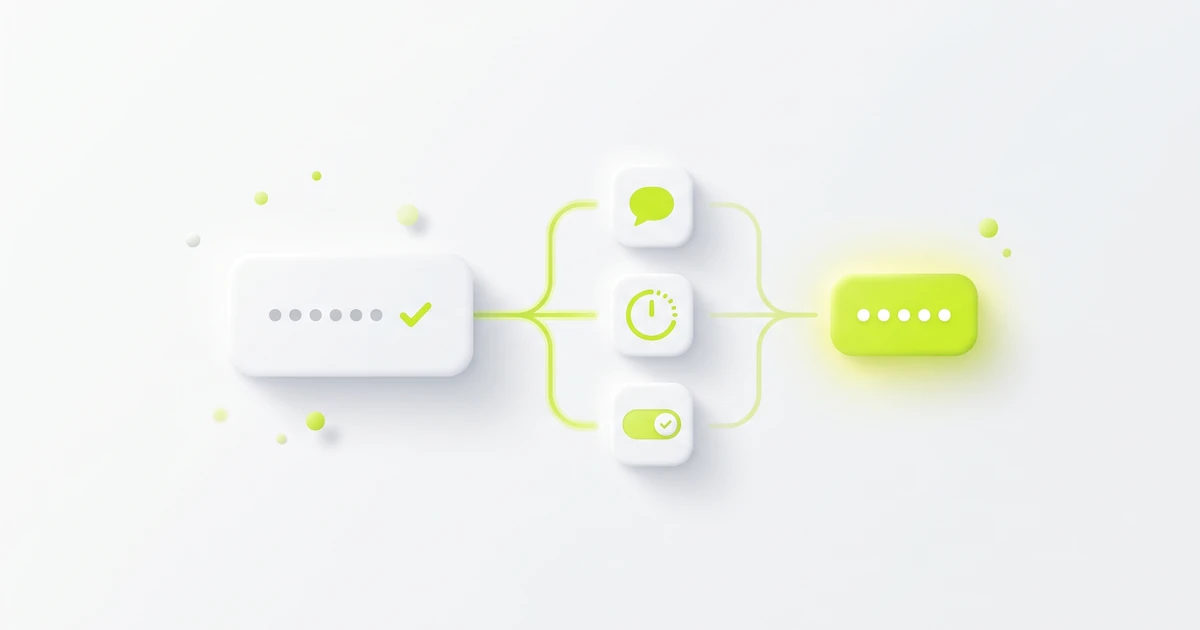
Instagram can ask for a code at login in several ways. They do the same job, but you get each one differently:
- SMS login or confirmation code: sent by text to your confirmed mobile number when a login or a new number needs checking. Needs the phone and a signal.
- WhatsApp login code: the same kind of login code, delivered in WhatsApp instead of SMS. Text message codes must be on first.
- Authenticator app code: generated on your phone by an app such as Duo Mobile or Google Authenticator. Instagram recommends this method, and you turn it on in the Instagram app for Android or iPhone. See the 6-digit login code from an authentication app.
- Backup code: a code you save in advance from your security settings, for when you can't get a login code at all. See our Instagram backup codes guide.
A confirmation code is the same kind of text. When you add a phone number, for example while turning on text message codes, Instagram asks for the code sent to that number before it becomes the confirmed number.
For the bigger picture, see what a 2FA code is and two-factor vs two-step verification.
Where to enter an Instagram security code
Enter the code on the Instagram login or security-code screen of the device you are logging in on, in the app or on the Instagram website. If several texts arrived, use the newest code.
After a two-factor login, Instagram lets you tap Trust this device so that device won't ask for a security code next time. Instagram says not to do this on a public or shared device.
To turn on text message codes, Instagram's path is Settings, Accounts Center, Password and security, Two-factor authentication, then SMS or WhatsApp.
If the text never arrives, start with our 12 fixes for a missing verification code. If Instagram rejects a code, see verification code invalid or expired.
"Is your Instagram code. Don't share it"
That phrase is the wording people see inside the SMS itself: the six digits, then a short line saying it is your Instagram code and not to share it. The exact wording can vary. It is the text message talking, not a quote from Instagram's Help Center.
The warning is there because the code is the second half of a login. Anyone who has your password and that code can finish logging in to your account from their own device. So:
- Never read the code out or forward it to anyone, including someone who says they are from Instagram or Meta support.
- Never paste it into a website you reached from a link in a DM, email or text.
- Never send it to someone who offers to "help recover" or "verify" your account, or to unlock a prize or giveaway.
Instagram's phishing help page describes messages that ask for personal information, some claiming your account will be banned or deleted. It says not to click links or attachments in them and not to answer messages asking for your password.
Our verification code explainer covers the general rule, and the Facebook confirmation code text works the same way on Instagram's sister app.
If you got an Instagram code you didn't request
A random Instagram code text often means someone entered your phone number, username or email on the Instagram login or Forgot password screen. It may be a typo or a login attempt. The code only helps whoever holds it, so keep it to yourself and check your account:
- Don't reply, don't tap any link in the text, and don't share the code.
- Open Instagram yourself, not from the message, and check whether you can still log in.
- If you can, Instagram's hacked account help suggests changing your password, turning on two-factor authentication, confirming your phone number and email are correct, removing linked accounts you don't recognize in Accounts Center, and revoking access for suspicious third-party apps.
- If you can't log in, follow the official recovery steps on that page, such as requesting a login link from the Forgot password screen.
One unexpected code is not proof of a hack, but several in a row are worth acting on. See random verification code text for the same pattern on other apps.
Keep Instagram codes on your own number
Use a phone number you own and will keep as the confirmed number on Instagram. Never use a temporary, shared or borrowed number for Instagram two-factor authentication, account recovery, or any account you want to keep, because whoever controls that number receives your login codes. Instagram sets its own terms, and laws differ by country, so check both.
Related guides
- Instagram backup codes: how to get and use them
- 6-digit login code from an authentication app
- Random verification code text? What it means
- Instagram not sending SMS code? Fixes
About the author: Alex Carter is the editor at GetVerifyCode. Alex tests SMS verification routes across services and countries and writes plain-language guides on receiving OTP codes safely.
GetVerifyCode is not affiliated with the apps named in this article. Follow each app's terms and local law.
FAQ
FAQ
It is a text with a one-time six-digit code that Instagram sends to the phone number on your account. It confirms that number or finishes a login from a device Instagram doesn't recognize.
It is the wording in the SMS, not a Help Center quote. The digits are a one-time login code, and anyone who has them along with your password can finish logging in. Never share it, even with someone claiming to be Instagram support.
No. A confirmation or login code is sent to you by text or WhatsApp each time it is needed. A backup code is one you save in advance and use only when you can't get a login code.
Don't share it or tap any link in the text. Open Instagram yourself, and if you can log in, change your password, turn on two-factor authentication, and check your phone number and email.
On the Instagram login or security-code screen of the device you are logging in on, in the app or on the website. Use the newest code you received.