By Alex Carter, Editor at GetVerifyCode
What is an Amazon OTP text? It is a text message with a one-time password, a short security code that Amazon sends to the phone number on your account. Most are sign-in or Two-Step Verification codes, and some orders use a six-digit delivery OTP. Use only the newest code, and never share a sign-in code with anyone.
Key facts
- Amazon's help page says Two-Step Verification adds an extra layer of security to sign-in and sends a unique security code by text message or authenticator app.
- Amazon says some accounts sign in without a password, using a one-time security code sent to the registered mobile number or email.
- Amazon's delivery help says some orders need a six-digit OTP on delivery, and that code is valid until the end of the delivery day.
- The OTP is the code itself, not a phone number. The only number involved is the one already on your Amazon account.
Sign-in / 2-Step OTP vs a delivery OTP
An Amazon OTP text can mean two different things with different rules. Check which one you have first:
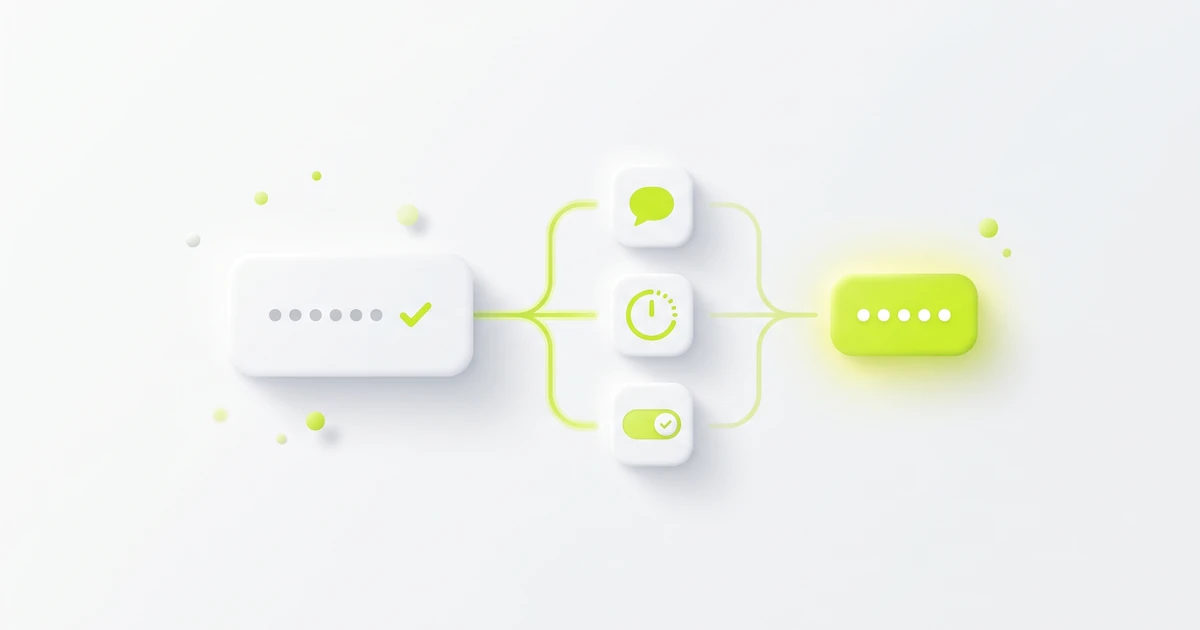
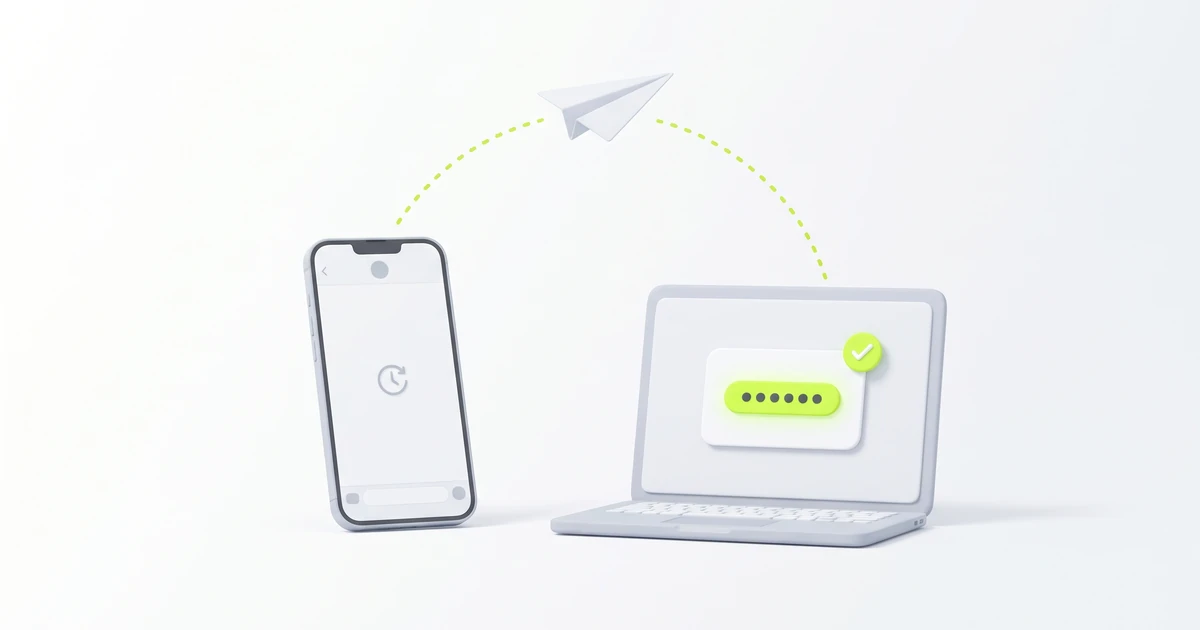
- Sign-in, Two-Step Verification or password-reset OTP: sent when someone signs in, registers a device or resets a password on your account. Amazon's What is Two-Step Verification? page says you enter this code together with your password. Never read it out, forward it or type it anywhere except Amazon's own sign-in screen.
- Passwordless sign-in code: Amazon's sign-in help page says some accounts have no password and get a one-time security code by text or email instead.
- Registration OTP: when you forget your password while registering a device, Amazon's OTP and Two-Step Verification issues page says the OTP sent by email or text is valid for 10 minutes. That limit is stated for this flow only.
- Delivery OTP: a six-digit code for some higher-value orders. Amazon's Secure Delivery with a One-Time Password page says it arrives by email, SMS or WhatsApp on the delivery day and also shows under Track Package in Your Orders that day. You read it to the driver in person, not over the phone or intercom.
A simple test: a sign-in code belongs only on Amazon's sign-in screen, and a delivery code belongs only with the driver at your door. For the idea behind both, see what OTP means and what a verification code is.
Amazon OTP text without requesting
An Amazon sign-in or Two-Step Verification code you did not ask for can mean someone has your email or phone number, and maybe your password, and is trying to sign in. Do not share the code or enter it anywhere. Then:
- Do not reply to the text or call any number in it.
- Open the Amazon app or site yourself and change your password in Login & security.
- Check that the phone number and email there are still yours, and turn on Two-Step Verification if it is off.
- Treat anyone asking you to read out the code as a scammer, even if they claim to be Amazon support or a driver.
A delivery OTP on the delivery day of an order from your home is expected. If you placed no order, do not give that code to anyone and check Your Orders in the app. Our guide to a random verification code text covers unexpected codes from any service.
If the OTP is missing or not working
If the code is late or rejected, start with Amazon's own troubleshooting:
- Use only the newest code. If you pressed resend, older codes may no longer work. See verification code invalid or expired.
- Check your phone's network connection. Amazon's OTP issues page lists this first.
- Check that the phone number on your account is right under Login & Security, and update it if it changed.
- Clear your message inbox, restart your phone and make sure Amazon's number is not blocked on your phone.
- On the verification page, choose "Resend OTP" or, where offered, "Send OTP by WhatsApp".
If no code prompt appears on a new or untrusted device, the same Amazon page describes an Alternate Sign-in: add the security code to the end of your password and submit again. Amazon notes you can't save the device as trusted that way. If Two-Step Verification still fails, Amazon's account recovery page says to try a registered backup method or a trusted device first, then choose Didn't Receive the Code and Two-Step Verification Account Recovery. Amazon says it can't change your Two-Step Verification settings until your identity is verified. For general delivery fixes, see didn't get the verification code? 12 fixes.
Keep Amazon codes on your own number
Your Amazon account holds orders, addresses and often saved cards, so its codes must reach you every time. Use your own phone number or an authenticator app. Never use a temporary number for Amazon payments, Two-Step Verification, delivery OTP, password reset, recovery, or any Amazon account you plan to keep, including a seller or business account. A one-off number may not be reachable later, so you could lose access. Our older note on temporary numbers and Amazon sign-ups explains the same limit. The second sign-in step is explained in two-factor vs two-step verification and what a 2FA code is. Laws differ by country, and Amazon sets its own terms, so check both.
Related guides
- What does OTP mean? One-time passcodes explained
- What is a verification code? SMS codes explained
- What is a 2FA code? SMS, app, or prompt
- Random verification code text? What it means
About the author: Alex Carter is the editor at GetVerifyCode. Alex tests SMS verification routes across services and countries and writes plain-language guides on receiving OTP codes safely.
GetVerifyCode is not affiliated with the apps named in this article. Follow each app's terms and local law.
FAQ
FAQ
It is a text with a one-time security code for your own Amazon account: usually a sign-in or Two-Step Verification code, or a six-digit delivery OTP for some orders. Never share a sign-in code.
OTP means one-time password. At Amazon it is a security code that confirms a sign-in or password reset, or a six-digit code that confirms delivery of some higher-value orders.
Amazon's help says some orders need a six-digit OTP on delivery. It is sent by email, SMS or WhatsApp on the delivery day, also shows under Track Package, lasts until the end of that day, and should be read to the driver in person.
If it is a sign-in code, someone may be trying to sign in. Do not share or enter it, change your password from the Amazon app or site, and check Login & security. A delivery OTP on the day of your own order is expected.
The OTP is the code, not a phone number. The only number involved is the one already on your Amazon account, where the code is sent.
Amazon's delivery help presents the OTP as required for some orders because of the value of the items, and it does not describe a setting to switch it off. If you can't be there, Amazon says someone you choose can receive the package in person with it. Two-Step Verification for sign-in is a separate setting.