By Alex Carter, Editor at GetVerifyCode
A verification code is a short one-time code, usually 4 to 8 digits, that an app or website sends by SMS, email or an authenticator app to prove you control that phone number or account. You type it back in within a few minutes, and it stops working once used or expired.
Key facts
- GetVerifyCode lists numbers in 194+ countries.
- The live catalog covers 1,600+ services.
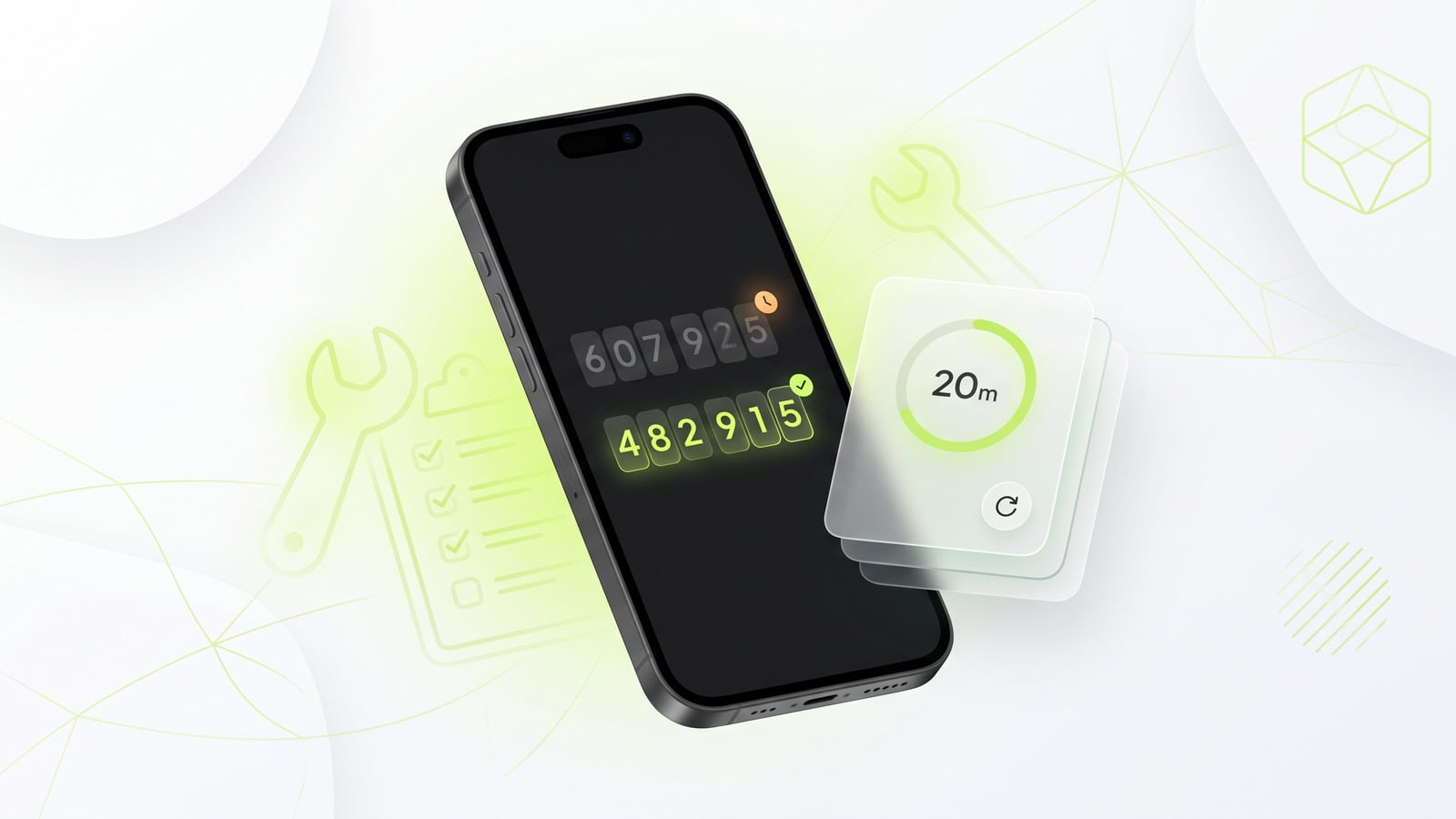
- A temporary activation stays live for about 20 minutes.
- If no SMS arrives before the timeout, the hold returns to your wallet.
Quick Answer
- A verification code is also known as an SMS code, OTP, confirmation or security code.
- It typically expires in about 5 to 10 minutes.
- Never share your verification code with anyone.
- You can receive SMS verification codes on temporary virtual numbers.
- GetVerifyCode provides access to these numbers for lawful use. Updated October 21, 2026.
What is an SMS code?
An SMS code is a type of verification code delivered via text message. This method is widely used because it is quick and convenient. Users simply enter the code they receive to confirm their identity.
What is a confirmation code?
A confirmation code serves a similar purpose as a verification code. It is often used as a booking reference or to confirm an action, such as a purchase or account change.
How SMS verification works
SMS verification is a process where a code is sent to a user's mobile phone via text message. The SMS verification process generally follows these steps:
- A user initiates an action that requires verification, such as logging into an account.
- The system sends a unique verification code to the user's registered phone number.
- The user receives the SMS and enters the code into the application or website.
- If the code matches, access is granted.
- The code expires after a short period, usually between 5 to 10 minutes.
Keep the code to yourself. Anyone who has your code can finish a sign-in or account change as if they were you, and real services never call or text to ask for it.
Types of verification codes
- SMS code: arrives as a text message / usually 4 to 8 digits / expires in about 5 to 10 minutes / best for sign-ups and phone confirmation.
- Email code: arrives in your inbox / usually 6 digits or a link / often valid 10 to 30 minutes / best for email confirmation and account recovery.
- Authenticator app (TOTP): generated on your device, no network needed / 6 digits / changes every 30 seconds / best for two-factor login.
- Push prompt: an Approve or Deny tap in an app you are already signed into / no code to type / expires within minutes / best for quick logins.
- Voice call code: an automated call reads the digits / usually 4 to 6 digits / similar expiry to SMS / best as a backup when texts don't arrive.
Where to find your verification code
You can find your verification code in several places:
- Your SMS inbox on your mobile phone.
- Check for blocked texts if you do not see the message.
- Your email inbox if the code was sent via email.
- An authenticator app if you are using one.
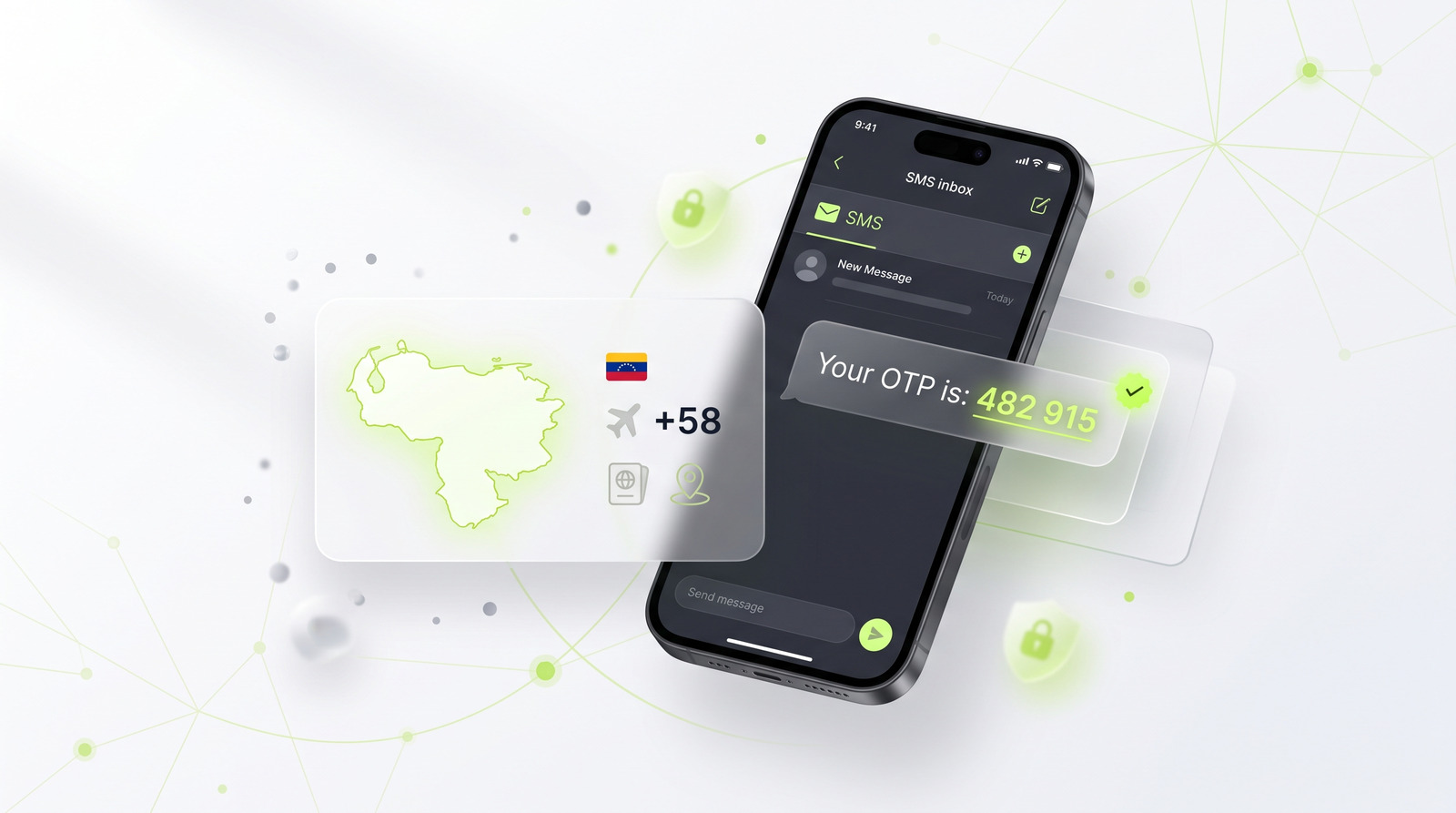
- If you are using a temporary number, the code will show in the GetVerifyCode dashboard. For more details, refer to how to check an OTP sent to a virtual number.
Common problems
The code never arrived
If you do not receive your verification code, check this guide: didn't receive verification code SMS fixes.
The code is invalid or expired
If your code is not working, refer to this guide: invalid or expired code fixes.
The number can't be used
If you encounter issues with your number, check this guide: this number can't be used.
Receiving a code on a temporary number
If you would rather not give out your personal number, are traveling without your usual SIM, or are testing your own app, a temporary virtual number can receive the code instead. To use one:
- Open GetVerifyCode, pick the service and country, and confirm the live quote; the number is shown immediately.
- Use this number when prompted for a phone number during the verification process.
- Receive the SMS verification code on your temporary number.
- Enter the code to complete the verification.
You can pick your service and country at GetVerifyCode. The number is shown immediately, and you may need to wait up to about 20 minutes for the SMS. For example, check out a US number. For a complete walkthrough, see our receive SMS for OTP guide. You can also check our pricing. Top up your wallet from $1. Each number is priced live per service and country, and you see the quote before you confirm. If no SMS arrives in about 20 minutes, the unused credit returns to your wallet. Some apps reject virtual numbers. Acceptance is decided by the app, not by us.
Is it legal?
Using a temporary number to protect your privacy, travel, or test your own app is generally lawful in many places, but laws differ by country and each app sets its own terms. Check both. Never use it for fraud, impersonation, or getting around a ban. For more information, see are temporary phone numbers legal.
Related guides
- Google SMS verification
- WhatsApp verification
- SMS holds and credit returns
- Why did I get a Google code I didn't request?
- How to get a 5-digit phone number (short codes)
To get started, visit GetVerifyCode.
About the author: Alex Carter is the editor at GetVerifyCode. Alex tests SMS verification routes across services and countries and writes plain-language guides on receiving OTP codes safely.
GetVerifyCode is not affiliated with the apps named in this article. Follow each app's terms and local law.
FAQ
FAQ
A verification code is a unique code sent to a user to verify their identity or transaction.
An SMS code is a type of verification code delivered via text message.
SMS verification is the process of sending a code to a user's mobile phone, which they then enter to confirm their identity.
A confirmation code is similar to a verification code, often used as a booking reference or to confirm an action.
Look in your phone's messages app, including blocked or filtered texts. If you used a temporary number, the code appears in your GetVerifyCode dashboard.
No, you should never share your verification code. Real services never ask for it.