By Alex Carter, Editor at GetVerifyCode
Why am I not receiving SMS verification codes? You may have entered the wrong country code or digits. A weak signal or blocked senders can also cause issues. Check those factors, wait briefly, and resend once. A GetVerifyCode activation stays live for about 20 minutes.
Key facts
- A temporary activation stays live for about 20 minutes.
- If no SMS arrives before the timeout, the hold returns to your wallet.
- The number is shown right after you confirm, and you can cancel early from the inbox.
- Top up your wallet from $1. Each number is priced live per service and country, and you see the quote before you confirm.
Quick Answer
- Confirm your phone number format, including the country code.
- Check for blocked or spam senders.
- Wait briefly, then resend the code once.
Updated October 19, 2026.
Why am I not receiving SMS verification codes?
Number format
Ensure you have entered your phone number correctly, including the correct country code.
Signal/roaming
A weak signal or being in a roaming area can delay SMS delivery.
Blocked or short-code senders
Check if the sender is blocked or marked as spam. Some services use short codes that may be blocked by your carrier.
- iPhone: check Unknown Senders and Junk in Messages, and Settings > Messages > Filter Unknown Senders. Apple's guide for Apple Account codes: Get a verification code and sign in.
- Android: open Spam & blocked in Google Messages. Google's help on 2-Step Verification issues: Fix common 2-Step Verification issues.
- Carrier: some carriers block short-code (5, 6 digit) senders; ask them to allow those messages.
Resend limits
Some apps limit the number of times you can request a code. Wait a few minutes before trying again.
Call/email sent instead
Verify that the service you are using sent an SMS and not an alternative method like a voice call or email.
App rejects virtual numbers
Certain apps may reject virtual numbers. Acceptance is determined by the app, not by us.
How to fix a missing verification code: 12 fixes
1. Confirm Country Code and Digits
Ensure you have entered your phone number correctly, including the correct country code.
2. Open the GetVerifyCode Inbox and Wait Briefly
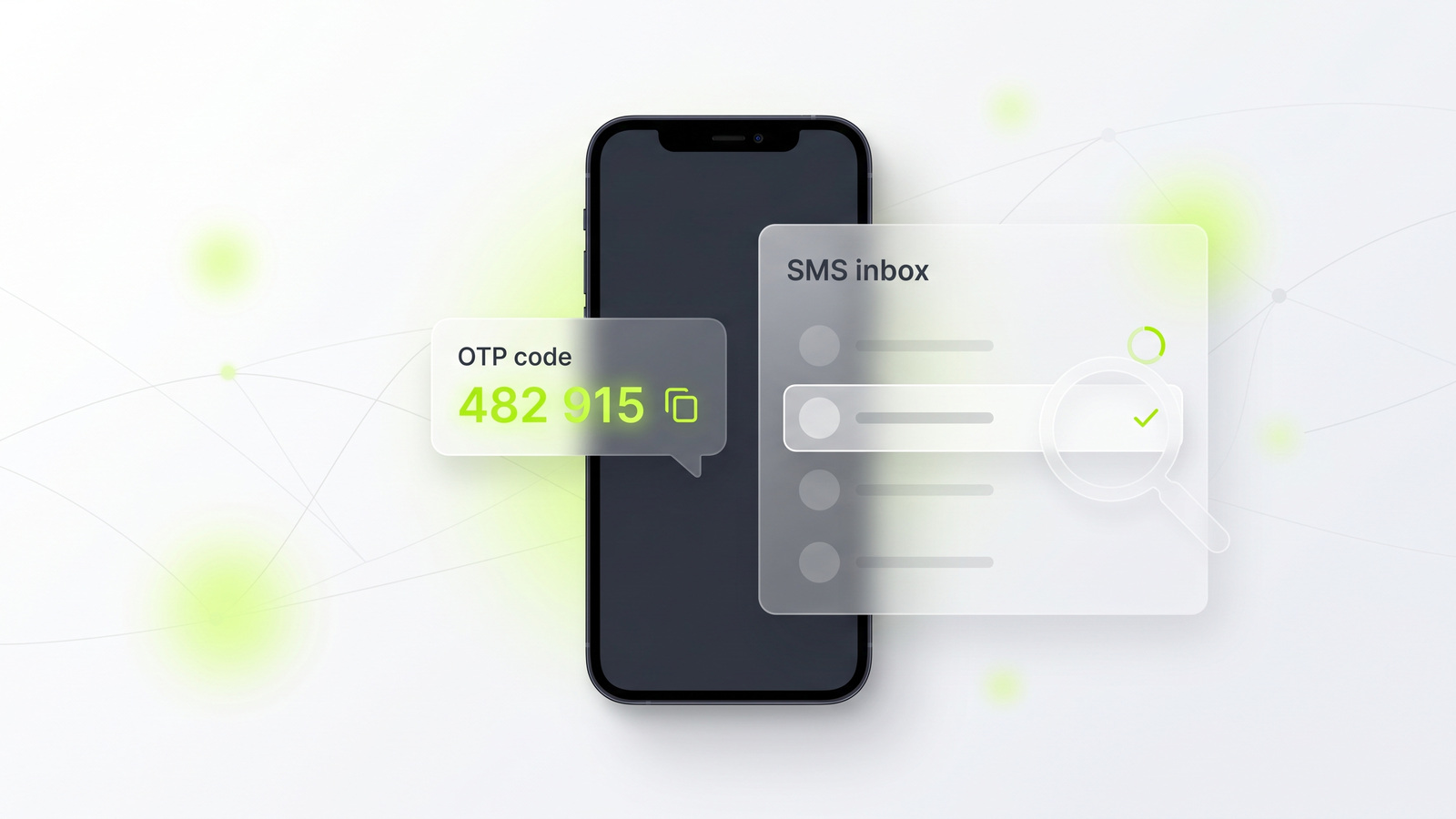
After renting a number, check your GetVerifyCode inbox. Codes usually arrive within a 20-minute window.
3. Check the App Actually Sent SMS Not Voice/Email
Verify that the service you are using sent an SMS and not an alternative method.
4. Resend Once After a Short Wait
If you do not receive the code, wait a few minutes and then request it again.
5. Stay Within the 20-Minute Window
Keep in mind that verification codes typically expire after about 20 minutes.
6. Refresh the Inbox Page
Sometimes, refreshing the inbox can help display incoming messages.
7. Try Without VPN/Proxy Briefly
If you are using a VPN or proxy, disable it temporarily to see if that resolves the issue.
8. Switch to a Country with Better Acceptance
If your current country is not supported, consider using a temporary virtual number from a country with better acceptance. For guidance, visit Choose Country.
9. Try a different route if the app rejects VoIP numbers
Some apps reject VoIP numbers. Acceptance is decided by the app, not by us. For more detail, see VoIP vs Non-VoIP Numbers for Verification.
10. Rent a Fresh Number if the First is Blocked/Already Used
If your number is blocked, rent a new one. The number appears immediately after renting.
11. Cancel early if no SMS arrives
If no SMS arrives before the timeout, the hold returns to your wallet. You can also cancel early from the inbox.
12. Try Another Service/Country Combo
If all else fails, consider using a different service or country combination to receive your code.
When a fresh temporary number helps
A fresh temporary number can help if your previous number is blocked or not working. However, some apps reject virtual numbers. Acceptance is decided by the app, not by us. For more information, check our SMS Holds, Timeouts, and Credit Returns Guide and How to check an OTP sent to a virtual number.
Related problems
- This Phone Number Can't Be Used for Verification
- Phone Number Already Used
- Verification Code Invalid or Expired
- What Is a Verification Code?
- Why codes come from 5-digit short codes
- Choose a Country for a Temporary OTP Number
- Temporary USA Number
- Temporary UK Number
- Temporary Canada Number
- Temporary India Number
- Temporary Philippines Number
- WhatsApp SMS verification
- WhatsApp 6-digit code explained
- Google SMS verification
- Telegram SMS verification
Is it legal to use a temporary number?
Using a temporary number to protect your privacy, travel, or test your own app is generally lawful in many places, but laws differ by country and each app sets its own terms. Check both. Never use it for fraud, impersonation, or getting around a ban. For more information, visit Are Temporary Phone Numbers Legal? and our Acceptable Use Policy.
Ready to try a fresh number? Get started or see Pricing. Top up your wallet from $1. Each number is priced live per service and country, and you see the quote before you confirm. If no SMS arrives in about 20 minutes, the unused credit returns to your wallet.
About the author: Alex Carter is the editor at GetVerifyCode. Alex tests SMS verification routes across services and countries and writes plain-language guides on receiving OTP codes safely.
GetVerifyCode is not affiliated with the apps named in this article. Follow each app's terms and local law.
Live prices and routes: Get a temporary number
FAQ
FAQ
Ensure your phone number is entered correctly and check your network connection. If issues persist, consider using a temporary virtual number from GetVerifyCode.
Check your number format, signal strength, and whether the sender is blocked. Resend the code after a brief wait.
Wait a few minutes before resending the code to avoid hitting resend limits.
If no SMS arrives before the timeout, the hold returns to your wallet. You can cancel early from the inbox, then try another country or service.
Codes may expire quickly. Ensure you are using the correct number and check for any app-specific issues.
Most services send codes via SMS only. Check the app's settings to see if voice call options are available.