By Alex Carter, Editor at GetVerifyCode
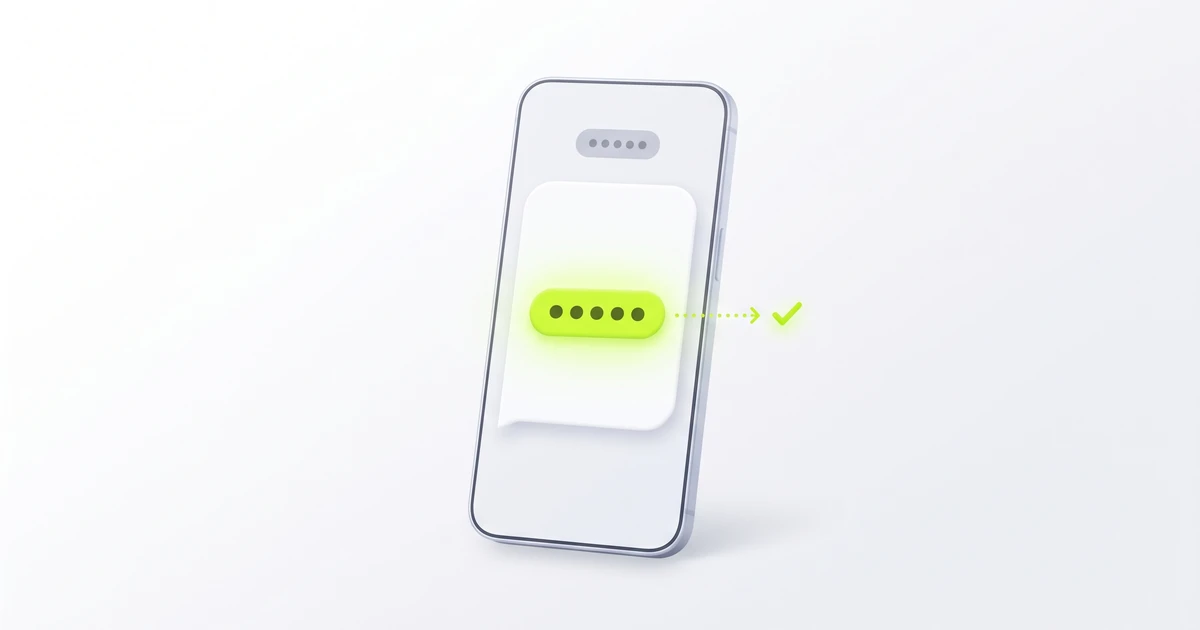
What is a Telegram code SMS? It is the one-time login or registration code that Telegram texts to the phone number on your account when you sign in on a new device. Type it into the Telegram app once, use only the newest code, and never share it. Telegram says it will never ask you for it.
Key facts
- Telegram can send your login code by SMS, by a phone call in some cases, or inside the Telegram app in a chat named "Telegram" with a blue check, according to the Telegram FAQ.
- If you recently used Telegram on another device, or in a different Telegram app on the same device, the code may go to that app instead of arriving as a text.
- Codes that other websites and apps send you through Telegram appear in a separate verified chat called "Verification Codes". Those are not Telegram login codes.
- Telegram's FAQ says Telegram will never ask you for your 2-Step Verification password or any verification codes.
- A Telegram account can only be connected to a mobile number. The FAQ says landline numbers are not supported.
SMS code vs a code in the Telegram app vs a "Verification Codes" chat
An "SMS Telegram code" or "Telegram code text" can mean one of three different messages:
- Telegram login code by SMS: a text message on your phone. It signs you in to your own Telegram account, works once and is secret.
- Telegram login code in the app: the same login code, delivered to the verified "Telegram" chat (blue check) in an app where you are already signed in.
- A code in the "Verification Codes" chat: a code from a third-party website, app or marketplace that sends its codes through Telegram. It is for that service, not your Telegram account.
If an unexpected code lands in "Verification Codes", the FAQ says someone may have typed your number by mistake on another service, your Telegram account is safe, and you can tap the code and choose Report.
The digits in the message are the code; a short number shown as the sender is not something you type. Our guide to 5-digit phone numbers and short codes explains what short-code senders are, and what a verification code is covers the basics of one-time codes.
"Telegram sent the code to another device"
This means Telegram did not text the code. It sent it to a Telegram app where you are already logged in, such as another phone, a tablet, a computer or a second Telegram app on the same phone.
- Open Telegram on any device where you are still signed in.
- Find the chat named "Telegram" with a blue check.
- Read the newest message for the login code and type it on the new device.
- If you have no other signed-in device, look on the login screen for an option to get the code another way, such as by SMS.
Telegram's FAQ warns that codes in the app are not a replacement for an up-to-date phone number that you control; if you change numbers, connect the new one, or you risk losing the account. If the code still does not show up anywhere, work through our 12 fixes for a missing verification code. If Telegram says your number itself is rejected, that is a different problem; see Telegram phone number rejected.
How to use a Telegram code safely
- Check that you asked for it. If you did not just sign in or sign up, do not type the code anywhere.
- Enter it only in the Telegram app or on the official Telegram login screen you opened yourself.
- Use the newest code. If you asked for more than one, older codes may no longer work.
- Never share it, and never paste it into bots, websites or forms. Telegram's FAQ says Telegram will never ask you for your 2-Step Verification password or any verification codes. Anyone who asks, including someone who claims to be Telegram support or a friend, may be trying to take over your account.
An unexpected Telegram code may mean someone typed your number by mistake or is trying to log in to your account. Do not share it; 2-Step Verification (below) adds a password that a code alone cannot get past. Our guide to a random verification code text explains what else to check.
2-Step Verification and passkeys
Telegram's FAQ describes two extra protections you can turn on in the app:
- 2-Step Verification: an extra password, set in Settings > Privacy and Security > 2-Step Verification. Once it is on, you need both the SMS code and the password to log in. You can also add a recovery email address.
- Passkeys: if you are already logged in, you can create a passkey that lets you sign in with your device PIN, fingerprint or face scan instead of an SMS code. Passkeys are managed in Settings > Privacy and Security > Passkeys.
Even with a passkey you can still request an SMS code, so keep an up-to-date number you control on the account. For the difference between these terms, see two-factor vs two-step verification.
Do not put a temporary number on a Telegram account you want to keep, and never use one for 2-Step Verification or recovery. You may need the same number again to log in on a new device. If you are asking whether Telegram needs a phone number at all, see do you need a phone number for Telegram?. Laws and Telegram's own terms apply either way.
Related guides
- Do you need a phone number for Telegram?
- Fix Telegram phone number rejected
- Telegram doesn't send code? Fixes
- Telegram verification with a temporary virtual number
- What is a verification code?
- 5-digit phone numbers and short codes
- Two-factor vs two-step verification
- Random verification code text? What it means
- Didn't get the verification code? 12 fixes
About the author: Alex Carter is the editor at GetVerifyCode. Alex tests SMS verification routes across services and countries and writes plain-language guides on receiving OTP codes safely.
GetVerifyCode is not affiliated with the apps named in this article. Follow each app's terms and local law.
FAQ
FAQ
It is the one-time code Telegram texts to the phone number on your account so you can log in or register on a device. Type it into Telegram once, use the newest one, and never share it with anyone.
It does the same job. If you recently used Telegram on another device or app, Telegram may send the login code to the verified "Telegram" chat in that app instead of by SMS. Codes in the separate "Verification Codes" chat come from other services, not from Telegram.
The code went to a Telegram app where you are already logged in. Open Telegram there, find the chat named "Telegram" with a blue check, and use the newest code.
Telegram's FAQ does not name 87732 or say which numbers send its login texts. The numbers it lists are for its verified service notification chats: "Telegram" (42777) and @AbuseNotifications (4240005). If a text shows a short number as the sender, that number is the sender and the digits inside the message are the code. See our guide to short codes. Never share the code.
Yes, in some cases. The code may arrive in the Telegram app on another device, and the FAQ says a passkey can be used instead of SMS. Keep an up-to-date phone number you control on the account anyway.