By Alex Carter, Editor at GetVerifyCode
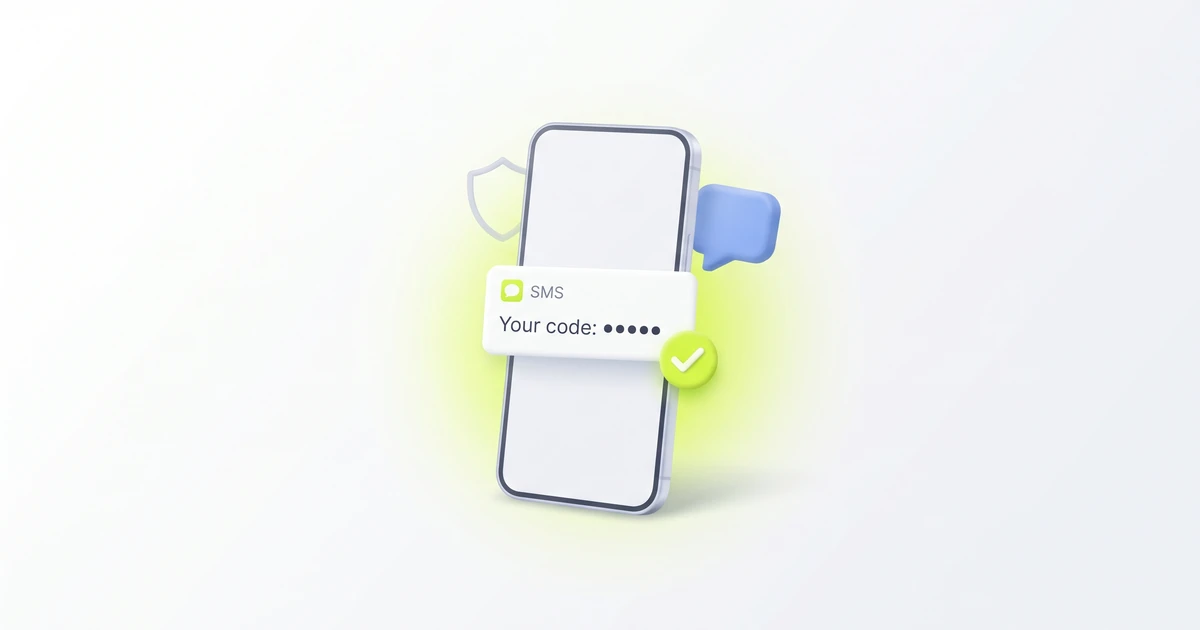
What is a 5-digit confirmation code? It is a one-time code, five digits long, that an app or website texts or emails you to confirm a sign-in, a new account or a phone number. You type it in once, within a few minutes, and never share it. It is not the 5-digit short code that sent the text.
Key facts
- In sign-in and phone verification, a confirmation code, a verification code and an SMS code usually mean the same thing: a one-time code that proves you have the phone or inbox. Our guide to what a verification code is covers the basics.
- Each app or website sets its own code length. Many use 6 digits, and others use 4, 5 or 8. A 5-digit code is one of those choices, not a separate kind of code.
- In the US, a short code is a five- or six-digit number used to send and receive text messages, according to the Short Code Registry FAQ. That number is the sender, not the secret you type.
- The same FAQ says US five-digit short codes range from 20000 to 99999 and six-digit codes from 200000 to 999999. These facts are US-only; other countries use their own lengths.
The 5-digit code you type vs the 5-digit short code that sent it
Two different 5-digit numbers can turn up in the same text, which is why searches for a "5 digit code SMS" mix up two ideas. Here is how to tell them apart.
- The confirmation code: inside the message body, often after words like "Your code is". It changes every time, works once, expires after a short time and is secret.
- The short-code sender: shown at the top of the conversation, where a contact name or phone number would normally be. It stays the same across messages from that organisation, it isn't secret, and you never type it into a sign-in box.
A quick test: if the five digits sit in the sender line, that is the short code. If they sit in the text you read, usually next to the app's name, that is your code. When both happen to be five digits long, read the message body, not the conversation header. Our guide to 5-digit phone numbers and short codes explains the senders in more detail.
Some messages also include other numbers, such as an order number or a booking reference. Those aren't one-time codes. An order or booking confirmation number identifies a purchase or reservation, and it doesn't expire after a few minutes the way a sign-in code does.
Confirmation code vs OTP vs PIN
- Confirmation code: a one-time code sent to confirm an action, such as a sign-in, a sign-up or a new phone number.
- OTP (one-time password or passcode): the general term for any code that works once. A 5-digit confirmation code is a kind of OTP. See what OTP means and how an SMS OTP works.
- PIN: often a number you choose and reuse, like a card or phone unlock PIN, although some apps call a texted code an "SMS PIN". Our guide to SMS PIN verification explains the difference.
How to use a 5-digit confirmation code safely
- Check that you started the action. If you just signed in, signed up or added a number, the code is expected. If you didn't, don't use it.
- Enter it only in the app or website you are using. Type it into the code box yourself, not into a page opened from a different message.
- Use the newest code. If you asked for a code more than once, older codes may no longer work.
- Enter it quickly. Codes usually expire after a few minutes, and the exact time is set by each service.
- Never share it. A real company doesn't need you to read a code back by phone, text or chat. Anyone who asks for it may be trying to get into your account.
- Ignore it after use. You won't need the same code again, and some phones can delete code texts automatically.
If a code arrives that you didn't ask for, someone may have typed your number by mistake, or may be trying to sign in to an account linked to your number. Don't reply to the message and don't share the code. Our guide to a random verification code text explains what to check next.
Code not arriving, or only a short-code sender showing?
If you only see a 5-digit number and no code, look again at where the digits are. A 5-digit number in the sender line is the short code, so open that thread and read the newest message for the code itself. If the thread is empty, or the newest message is an old one, the code probably hasn't arrived yet.
- Check that the phone number and country code on the sign-in screen are right.
- Wait a minute, then request one new code and use only the newest one.
- Check spam, blocked or filtered message folders, and whether the code went to email, a voice call or an authenticator app instead.
- Some carriers or prepaid plans block short-code messages. Our short codes guide explains why short-code texts sometimes don't arrive.
- Work through our 12 fixes for a missing verification code.
- If the code arrives but is rejected, see verification code invalid or expired.
On an iPhone, our guide on where to find an SMS code on iPhone covers Unknown Senders and filtered folders. Don't turn off two-factor authentication just to get past a missing code. Fix the delivery problem instead.
Related guides
- What is a verification code?
- How to get a 5-digit phone number (short codes)
- What does OTP mean? One-time passcodes explained
- SMS OTP: how one-time codes by text work
- SMS PIN verification: what the code means
- Random verification code text? What it means
- Didn't get the verification code? 12 fixes
About the author: Alex Carter is the editor at GetVerifyCode. Alex tests SMS verification routes across services and countries and writes plain-language guides on receiving OTP codes safely.
GetVerifyCode is not affiliated with the apps named in this article. Follow each app's terms and local law.
FAQ
FAQ
It is a one-time code with five digits that an app or website sends to confirm a sign-in, a sign-up or a phone number. Enter it once, quickly, and never share it. Other services use codes of 4, 6 or 8 digits for the same job.
No. The confirmation code is the secret in the message body. A 5-digit short code is the number the message came from, which in the US is a registered sender. Our guide to 5-digit short codes explains how they work.
It is a code sent to your phone, usually by text and sometimes by voice call, to confirm that you have that number, for example when you add it to an account. It works like any verification code; see what a verification code is.
That number is most likely the sender. Open the message and read the text for the code. If there is no new message, request one new code and work through our 12 fixes for a missing code.
Each app or website picks its own code length. Five digits is a normal choice, and the length doesn't change how you use the code.
No. It works once. After you use it, or after it expires, request a new code from the app or website.