By Alex Carter, Editor at GetVerifyCode
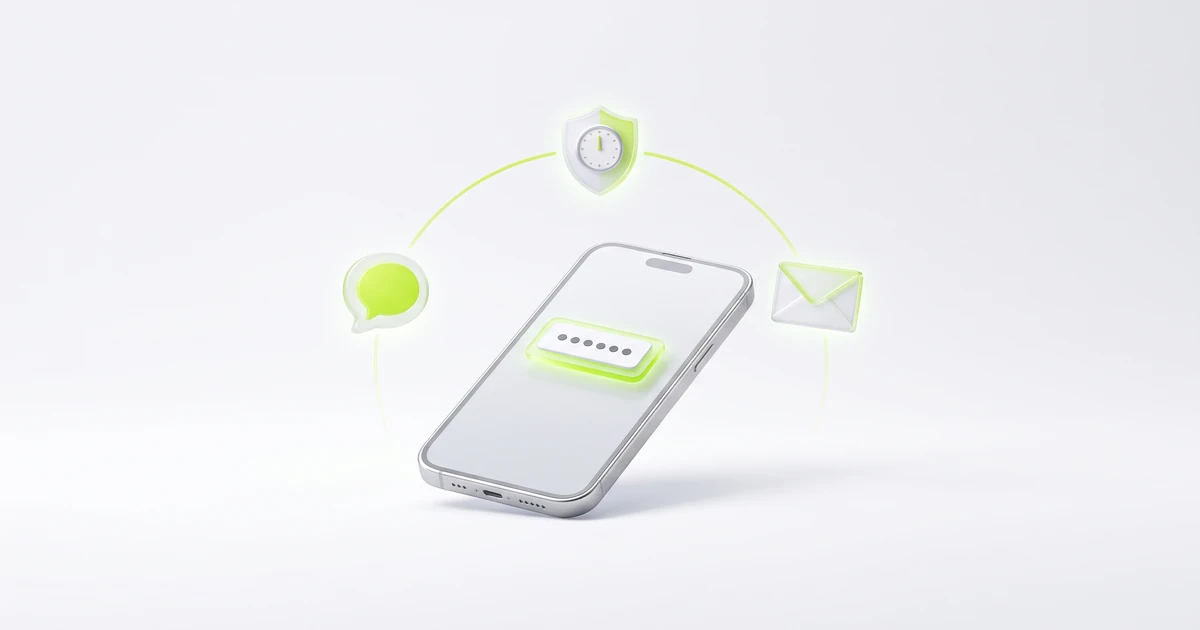
What is SMS PIN verification? SMS PIN verification is a sign-in or sign-up check where a service texts a short one-time code, often called a PIN, to your phone, and you type it back to prove you hold that number. It is not your phone's unlock PIN or your bank card PIN, and it expires within minutes.
Key facts
- An SMS PIN is created for one attempt and stops working once it expires or a newer code is sent.
- Most SMS PINs are 4 to 8 digits; 6 digits is the most common length.
- A real company will never call or text to ask you to read your SMS PIN back.
- GetVerifyCode lists numbers in 190+ countries, and the live catalog covers 1,600+ services.
SMS PIN vs phone unlock PIN vs card PIN
The word PIN covers different things, and mixing them up is how people get tricked:
- SMS PIN (verification code): a fresh number texted by a service for one login, sign-up or password reset. You never choose it and it expires within minutes.
- Phone unlock PIN: the number you chose to unlock your own device. It never leaves your phone and no website should ever ask for it.
- Card or ATM PIN: the fixed number you chose for a bank card. Your bank will never send it by text and will never ask for it in a message.
- SIM PIN: an optional code that locks your SIM card when the phone restarts. It is set in your phone settings, not sent by SMS.
US federal guidance in NIST SP 800-63B draws the same line. It treats a PIN you choose as a memorized secret (a numeric password), while a code sent to your phone is an out-of-band secret that must be used within 10 minutes and accepted only once. So "enter the PIN we sent you" means the code in your messages, not a number you know by heart.
How SMS PIN verification works
- You start an action on the real app or website: sign up, log in, reset a password or add a new device.
- The service generates a random code, usually 6 digits, and links it to that attempt only.
- It texts the code to the phone number on your account, often from a short code or the service name.
- Enter the code on the same screen; your phone's code autofill is fine to use.
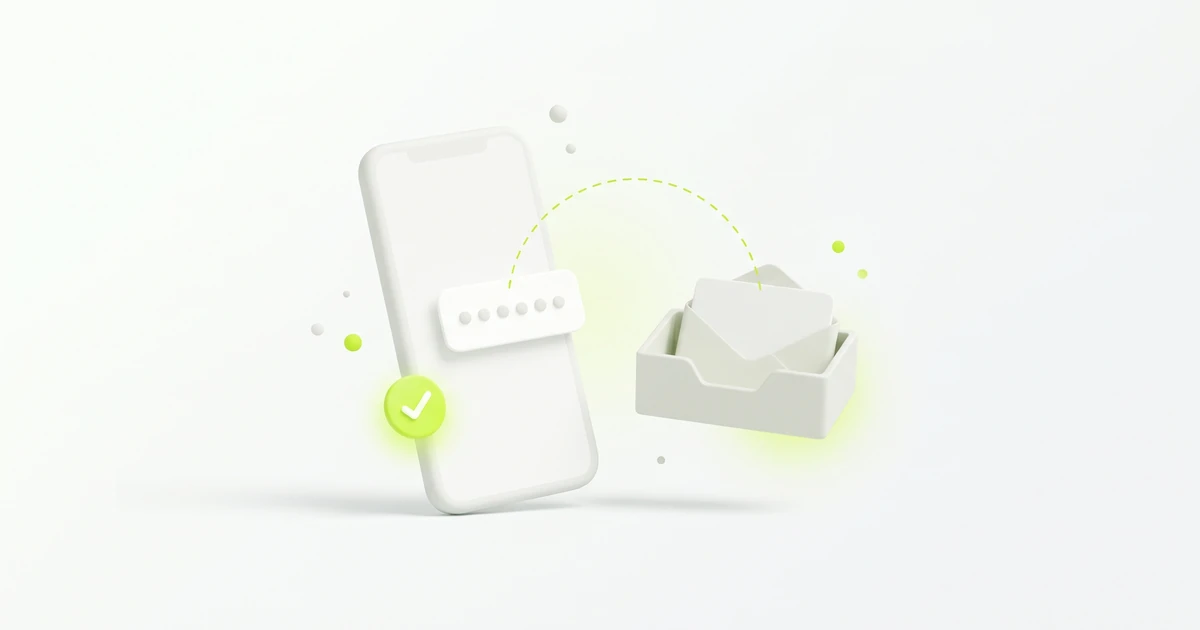
- The service checks that the code matches, is still within its time limit, and has not been used before. If all three are true, you are in.
Because the code travels over the phone network, NIST notes that SMS codes carry extra risk, such as SIM swaps. For accounts you care about most, an authenticator app is a stronger second step. Our guide to two-factor vs two-step verification explains the difference between the two.
Is an SMS PIN the same as an OTP or verification code?
Yes, in almost every case. Apps use different labels for the same short texted code:
- SMS PIN or PIN code: common wording in banking-style and telecom apps.
- OTP (one-time password or passcode): see what does OTP mean.
- Verification code or security code: the most common label; see what is a verification code.
- SMS OTP: the same code with the delivery channel named; see SMS OTP: how one-time codes by text work.
If it arrived by text, works once and expires, it is an SMS verification code. For help getting one, read how to get an OTP code.
How should you handle an SMS PIN safely?
- Type it only into the app or website where you started the action, never into a link someone sent you.
- Never read it out to a caller, even one who says they are from your bank, carrier or the app itself.
- If you get a PIN you didn't request, don't share it and change that account's password; someone may have tried to sign in. Our post on random verification code texts covers what to do next.
Which number should receive your SMS PINs?
- Your own SIM: works with almost every app, but ties accounts to your personal number; best for banking, payments and long-term accounts.
- Authenticator app instead of SMS: private, works offline, free; best for important accounts that offer it.
- Free public SMS sites: not private (anyone can read the inbox), rarely accepted; low-stakes tests only.
- Temporary number from GetVerifyCode: keeps your personal number private, priced live per service and country; best for one-time sign-ups you don't need long term. Some apps reject virtual numbers. Acceptance is decided by the app, not by us.
Don't use a temporary number for banking, payment or other financial accounts.
SMS PIN not arriving or rejected?
- Wait a full minute before you tap resend, then resend only once or twice. After a resend, use only the newest PIN.
- Check signal, airplane mode and any spam-text filter.
- Confirm the phone number and country code on the account are correct.
- If the PIN is rejected, it may have expired, been replaced by a newer one, or been mistyped. Request a fresh code and enter it right away.
Our full checklist is in didn't get the verification code? 12 fixes, rejected codes are covered in verification code invalid or expired, and Android users can read not receiving verification code texts on Android. If a PIN comes from a 5- or 6-digit sender, see what 5-digit short codes are.
Is it legal to receive an SMS PIN on a temporary number?
Using a temporary number to protect your privacy, travel, or test your own app is generally lawful in many places, but laws differ by country and each app sets its own terms. Check both. Never use it for fraud, impersonation, or getting around a ban. This is general information, not legal advice. More detail is in are temporary phone numbers legal?
Related guides
- What is a verification code?
- What does OTP mean? One-time passcodes explained
- SMS OTP: how one-time codes by text work
- How to get an OTP code (phone, app, or email)
- Two-factor vs two-step verification
Need a second number for a one-time sign-up? Start at GetVerifyCode. Top up your wallet from $1. Each number is priced live per service and country. You see the quote before you confirm, and if no SMS arrives in about 20 minutes, the unused credit returns to your wallet. See pricing.
About the author: Alex Carter is the editor at GetVerifyCode. Alex tests SMS verification routes across services and countries and writes plain-language guides on receiving OTP codes safely.
GetVerifyCode is not affiliated with the apps named in this article. Follow each app's terms and local law.
FAQ
FAQ
Yes. An SMS PIN is a one-time verification code sent by text. Apps call it a PIN, OTP, security code or verification code, but it works the same way: use it once, before it expires.
SMS verification codes are short numbers, usually 4 to 8 digits, that a service texts to your phone to confirm you hold that number during a sign-up, login or password reset. Each code works once.
Only if they also have your password or you give them the code. Never share an SMS PIN with anyone who calls or texts asking for it, and change your password if you get codes you didn't request.
Usually because it expired, a newer code replaced it, or a digit was mistyped. Request a fresh PIN and enter it right away; our guide to invalid or expired verification codes has more fixes.
It is the sign-in step where a site texts a one-time PIN to the phone number on your account. Type that PIN on the login screen before it expires. It is not your SIM PIN, card PIN or phone unlock PIN, and you should never share it with anyone who asks for it.