By Alex Carter, Editor at GetVerifyCode
An SMS OTP is a one-time passcode that a website or app sends to your phone by text message. You type it back to prove you control that number, and it stops working after a few minutes. It is safer than a password alone, but authenticator apps and passkeys are stronger ways to sign in.
Key facts
- NIST's authenticator guidelines say a code sent to your device should be at least six digits and the sign-in is invalid unless it is completed within 10 minutes.
- NIST names phone-network delivery, which covers SMS and voice codes, as its one restricted authenticator, and says codes you type in by hand are not phishing-resistant.
- Google's 2-Step Verification help says that if you request several codes, only the newest one works, and that delivery speed varies by location and service provider.
- Each service sets its own code length and expiry, so the real window is often shorter than the NIST maximum.
How SMS OTP verification works, step by step
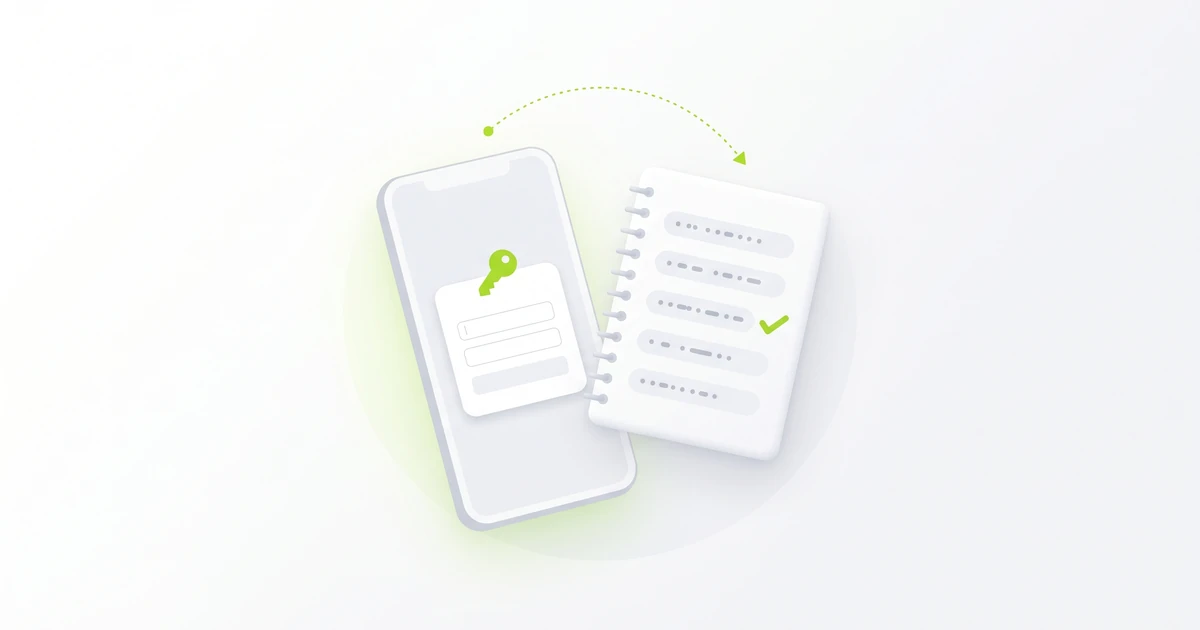
- You enter your phone number, or sign in to an account that already has one on file.
- The service generates a random code, usually 6 digits, and saves it for a short time.
- It sends the code to your number as a text message over the phone network.
- You read the text and type the code into the same page or app.
- The service checks the code, accepts it once and then discards it. On many services a resend makes the older code useless.
You'll usually meet SMS OTP verification in three places:
- Signing up, to confirm the number belongs to you.
- Logging in from a new device, as the second step after your password (see two-factor vs two-step verification).
- Confirming a sensitive change, such as a new email address or a password reset.
This guide is about the text-message channel. For the meaning of OTP itself, see what OTP means, and for codes sent by email, apps and calls, see what a verification code is. Developers building this flow can start with our SMS verification API guide.
Is SMS OTP secure?
SMS OTP is safer than a password alone, because someone who steals your password still needs the code. It is the weakest common second step, though, for three reasons:
- Phishing: a fake login page can ask for your code and pass it to the real site straight away. NIST says codes you type by hand are not phishing-resistant.
- SIM swap and number porting: if someone gets your number moved to their SIM, your codes go to them. NIST tells services to check signals like a SIM change or number porting before sending a code by text.
- Coverage: texts depend on mobile signal and the carrier route, so codes can arrive late or not at all.
The best defence is simple: never share a code with anyone who contacts you, even if they say they are from the company. A real service won't call or message you to ask for the code it just sent.
SMS OTP alternatives
Many services let you switch from texts to a stronger method. Here is how the common options compare:
- SMS OTP: works on any phone with signal / can be phished and exposed to SIM swap / no extra app / best as a fallback.
- Authenticator app (TOTP): codes are made on your device and work offline / can still be phished / free apps / a good everyday choice. See TOTP explained and 6-digit login codes from an authenticator app.
- Sign-in prompts: you tap Yes on a phone that is already signed in / Google says it recommends prompts over SMS codes / free / best for accounts that offer them.
- Passkeys and security keys: tied to the real website, and NIST names WebAuthn, the standard behind passkeys, as an example of phishing-resistant sign-in / need a supported device / strongest option where offered.
SMS OTP not arriving?
- Wait a minute before you tap resend, then use only the newest code.
- Check your signal, turn off airplane mode and make sure your plan can receive texts.
- Look in blocked senders and spam filters in your messages app. Android users can follow our Android code fixes.
- Make sure the number was entered with the right country code.
- If the code arrived but was rejected, see invalid or expired code fixes.
For the full checklist, read Didn't get the verification code? 12 fixes.
Where GetVerifyCode fits
Some people don't want to hand their personal number to every new app. For low-risk sign-ups, a separate temporary number can receive the SMS OTP so your own number stays off the form. Our guide to keeping your personal number private explains when that makes sense. Never use a temporary number for banking, payments or any financial account, or for an account you will need to recover later. Use your own SIM there.
Top up your wallet from $1. Each number is priced live per service and country, and you see the quote before you confirm. If no SMS arrives in about 20 minutes, the unused credit returns to your wallet.
Some apps reject virtual numbers. Acceptance is decided by the app, not by us. Our VoIP vs non-VoIP guide explains why.
Using a temporary number to protect your privacy, travel, or test your own app is generally lawful in many places, but laws differ by country and each app sets its own terms. Check both. Never use it for fraud, impersonation, or getting around a ban.
Related guides
- What does OTP mean?
- What is a verification code?
- Two-factor vs two-step verification
- Time-based one-time password (TOTP) explained
- Verification code invalid or expired
Ready to receive a code on a separate number? Start on GetVerifyCode or check pricing.
About the author: Alex Carter is the editor at GetVerifyCode. Alex tests SMS verification routes across services and countries and writes plain-language guides on receiving OTP codes safely.
GetVerifyCode is not affiliated with the apps named in this article. Follow each app's terms and local law.
FAQ
FAQ
OTP SMS is another name for SMS OTP: a one-time passcode delivered by text message. The service creates a short random code, texts it to your number and accepts it once within a short window. It proves you have access to the phone, not who you are.
It is safer than a password alone, because a stolen password isn't enough without the code. It is weaker than an authenticator app or a passkey, because codes can be phished and a SIM swap can redirect your texts. Never share a code with anyone who asks for it.
An authenticator app is the easiest step up, since it makes codes on your device without a text message. Sign-in prompts on a phone you trust are another option where offered. Passkeys and security keys are the strongest choice, because they only work on the real website.
Each service sets its own limit, and many codes expire within a few minutes. NIST's guidelines say a sign-in with a code sent to your device should be completed within 10 minutes, so treat that as an upper bound, not a promise. If yours expired, request a new code and use only the newest one.
No. A one-time code is accepted once and then discarded, and NIST's guidelines require that. If you need to sign in again, request a new code. If a site accepts an old code, report it to that service.